
Free Color Picker: Extract colors from any image instantly.
Upload, paste, or enter a URL to get HEX, RGB, HSL and more. No signup needed.

Upload, paste, or enter a URL to get HEX, RGB, HSL and more. No signup needed.
What it does
Upload any photo, screenshot, or paste a URL to extract every color code in seconds. Works entirely in your browser — no data leaves your device.
Click anywhere on the canvas to use this color identifier: it reads the exact pixel value beneath your cursor and returns HEX, RGB, HSL, and HSV simultaneously.
Detect colors in HEX, RGB, HSL, and HSV. Copy any single value with one click — no manual conversions or calculator tabs needed.
Add sampled colors to a palette strip, download as a text file, or save to local storage. Ideal for brand audits and what-color-is-this design investigations.
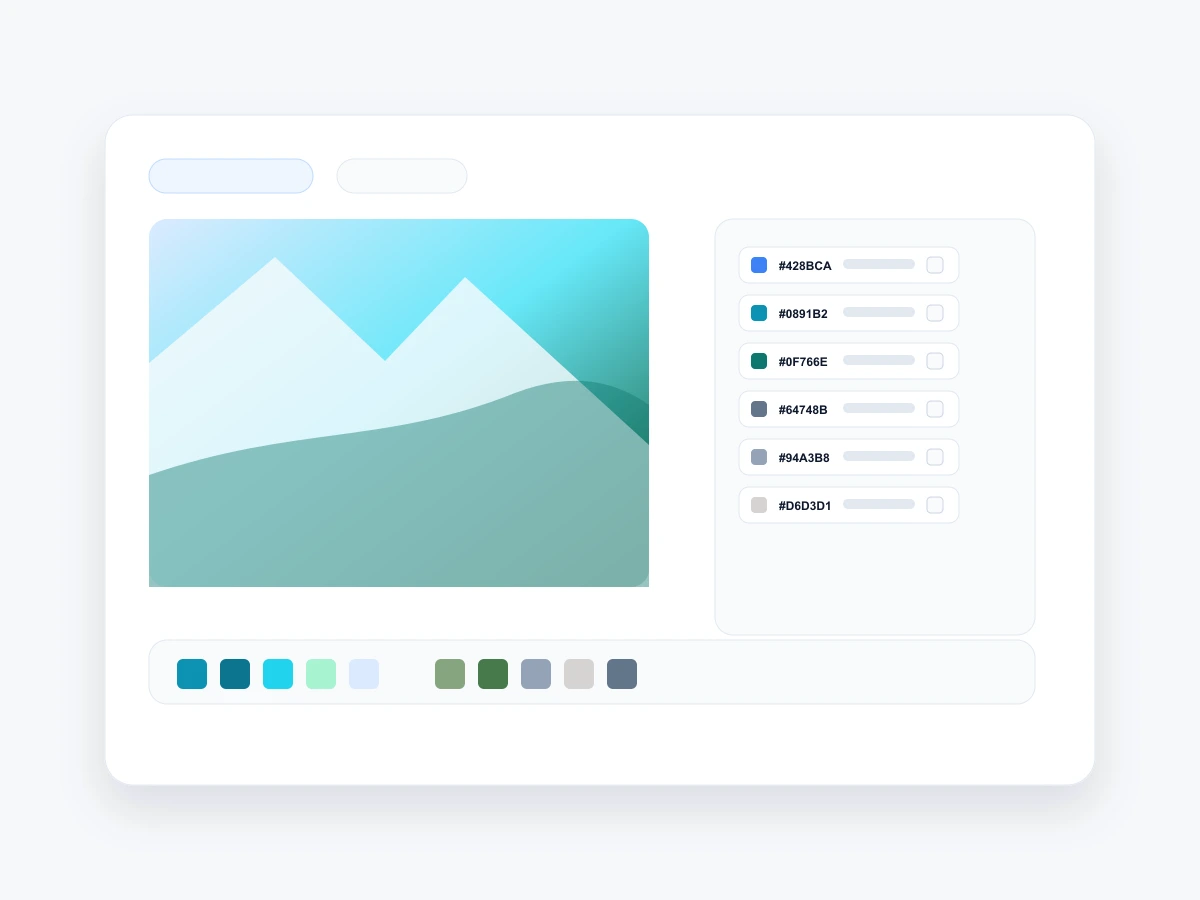
Color Finder
This colour finder works on photos, screenshots, website thumbnails, and images loaded from URLs. No matter where your image comes from, the colour finder delivers the exact hex code, RGB value, and HSL angle in seconds.
Color Identifier
Every click on the canvas runs a pixel-level read using the browser's Canvas API. This colour identifier returns the exact values stored in the image data — not a rounded estimate. You get HEX, RGB, HSL, and HSV simultaneously, with one-click copy for each format. Accurate enough to match brand colors, identify paint codes, or check design system compliance.

How it works
Upload a file, paste from clipboard, drop an image URL, or search Unsplash. The color picker from image tool renders it instantly in your browser.
Move over the canvas and click. The color detector shows the exact HEX, RGB, and HSL values for the pixel beneath your cursor.
Copy any color code with one tap, add colors to the palette strip, then export or save for later. No account required.
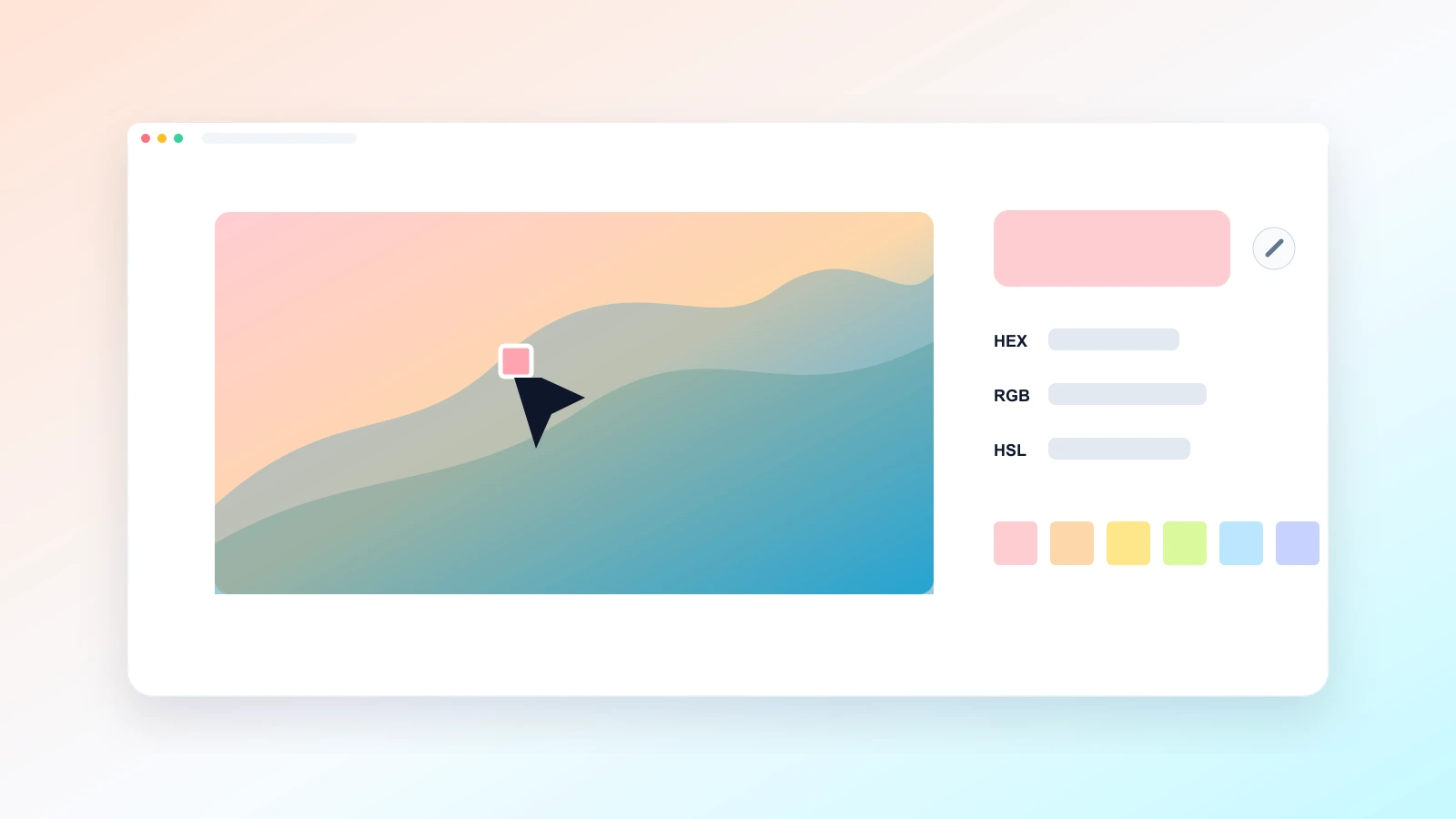
What Color Is This?
Upload any image, hover to preview colors in real time, and click once to lock the reading. The tool shows the exact hex code, the RGB triple, and the HSL angle — so you always know precisely what color you are looking at.
Move your cursor over the image to see color values update in real time before committing to a pick.
Click any pixel to freeze the reading and copy the color code directly to your clipboard in one action.

Common questions